# Adobe After Effects Integration
> Localize text inside After Effects – directly with Crowdin. No copy-paste.
URL: https://store.crowdin.com/after-effects
Identifier: after-effects
Category: Marketing, Design, Gaming, Other
Type: Guide
Author: Cult Extensions
A direct integration between Adobe After Effects and Crowdin, built for teams producing content for global audiences across gaming, video production, entertainment, streaming, and interactive media.
By removing manual copy-paste workflows and adding visual context to every string, Cult Connector helps teams scale localization faster, reduce errors, and keep creative workflows fully inside After Effects.
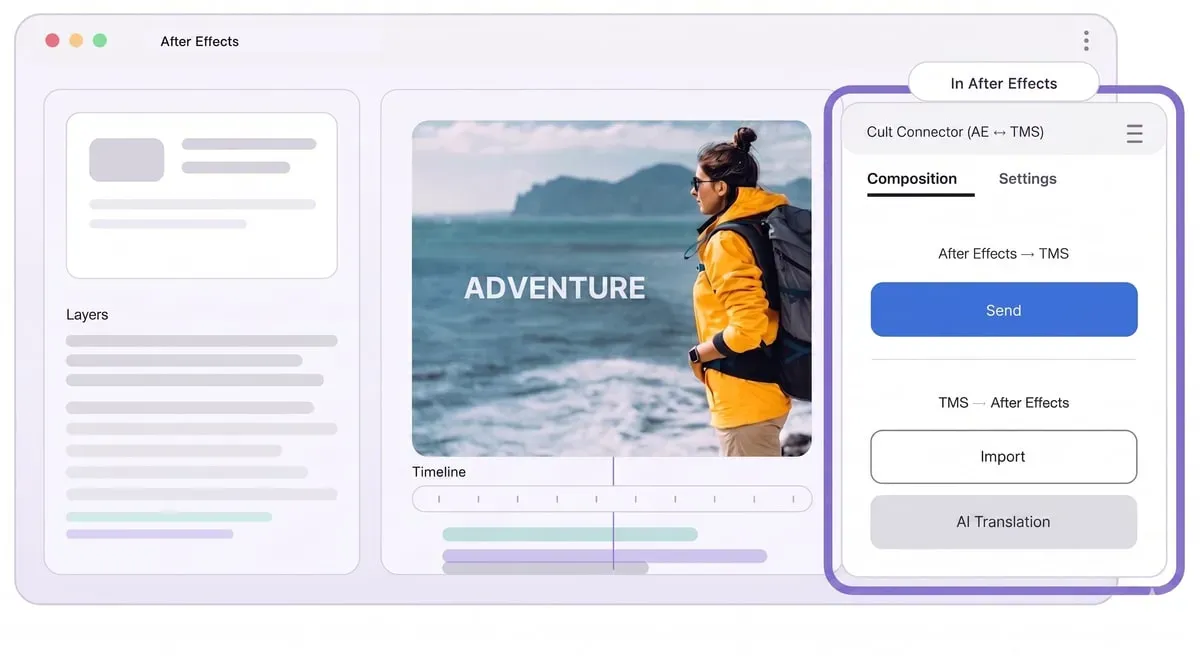
Work inside After Effects — No switching tools. Open the panel, log in via browser, and connect to your Crowdin project in seconds.
Clear Composition & Settings workflow — Control segmentation, target languages, and project connections through simple, dedicated tabs—built for production speed.
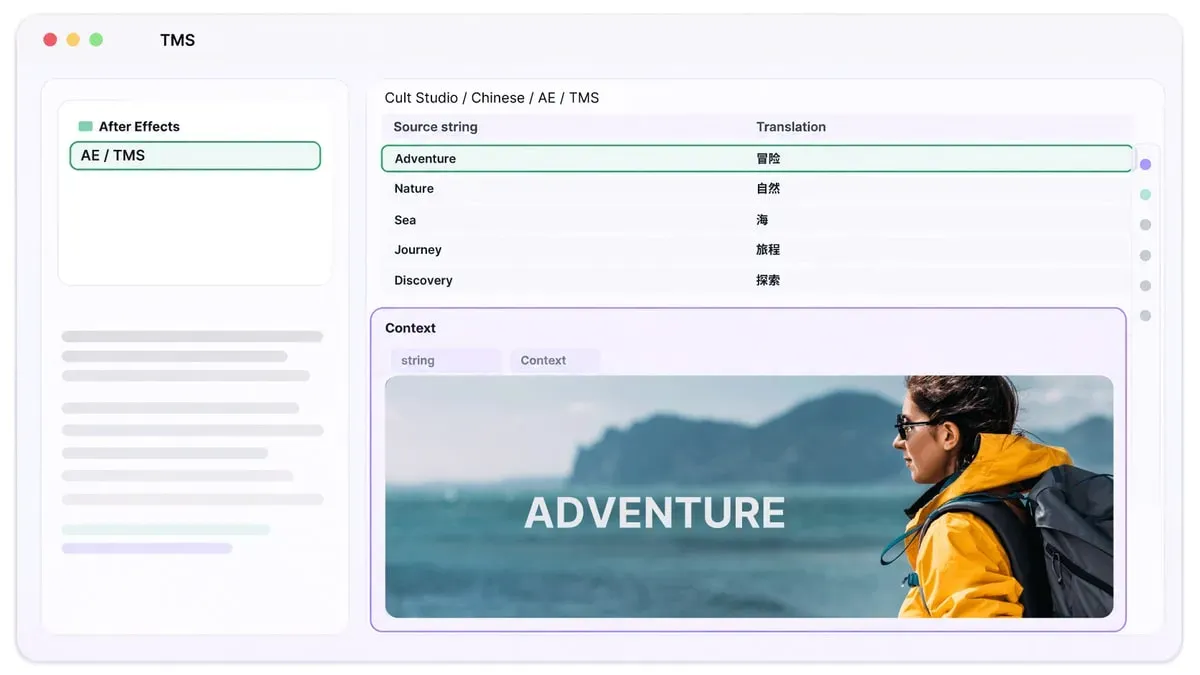
Strings + screenshots together — Every text layer is sent with visual context when needed, so translators and reviewers understand exactly how it appears on screen.
Frame-accurate markers (optional) — For complex motion, markers define the exact frame used for screenshots, ensuring precise context in dense timelines.
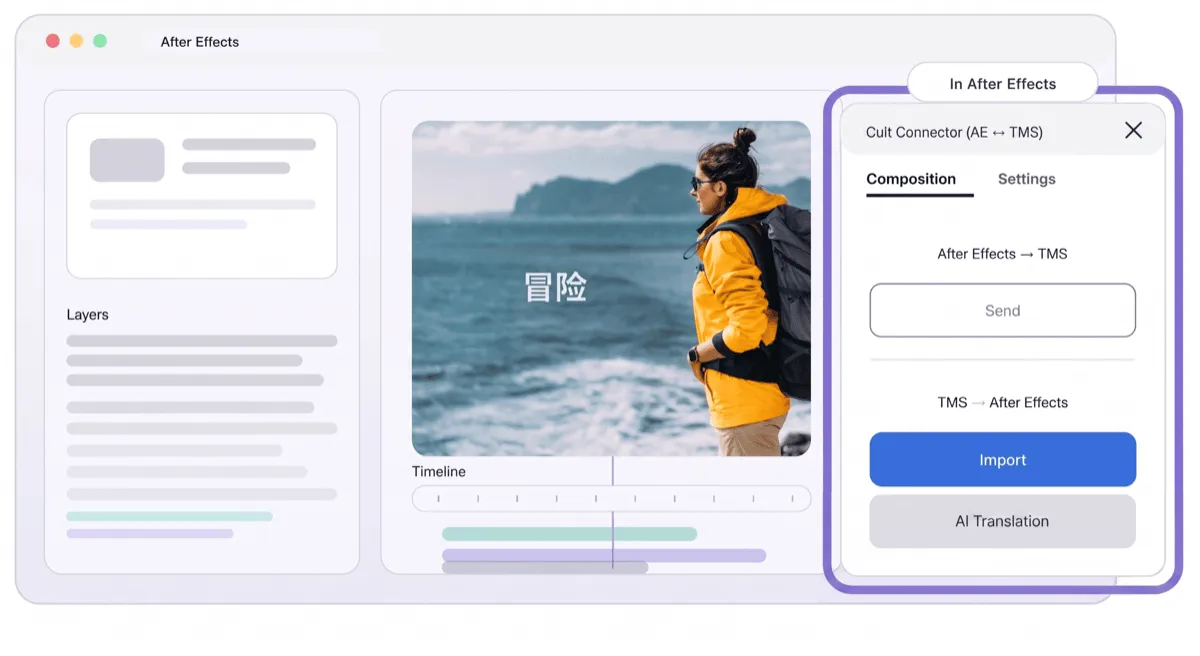
Import translated comps — Pull translations back and automatically generate compositions—typically one per language—ready for fast review and delivery.
## How it works
1. Install [Cult Connector](https://cultextensions.com/ae-crowdin/) and open it inside After Effects
2. Connect to Crowdin (Teams or Enterprise)
3. Send compositions – text + screenshots sync automatically
4. Translate in Crowdin with full visual context
5. Import and get localized comps instantly in After Effects
## Resources
- [Guide](https://cultextensions.com/ae-crowdin/)