# Contentful
> Keep your Contentful multilingual with automations
URL: https://store.crowdin.com/contentful
Identifier: contentful
Category: CMS
Type: App
Author: Crowdin
Translate your Contentful content with the ease of AI. Setup integration once, define your localization workflow and spend less time managing translations.
> Contentful offers a headless content management system that helps organizations deliver content across channels.
## Features at a glance
- Content translation: Quick sync and translation of even minor content updates, like a new sentence or a changed word.
- Automated and manual content sync: Push source text to Crowdin and pull finished translations back into Contentful without leaving the platform.
- AI & human workflows: Send your content through AI translation engines, professional human linguists, or a hybrid workflow for maximum quality and speed.
## Contentful translation connector overview
## Setting up the Contentful connector
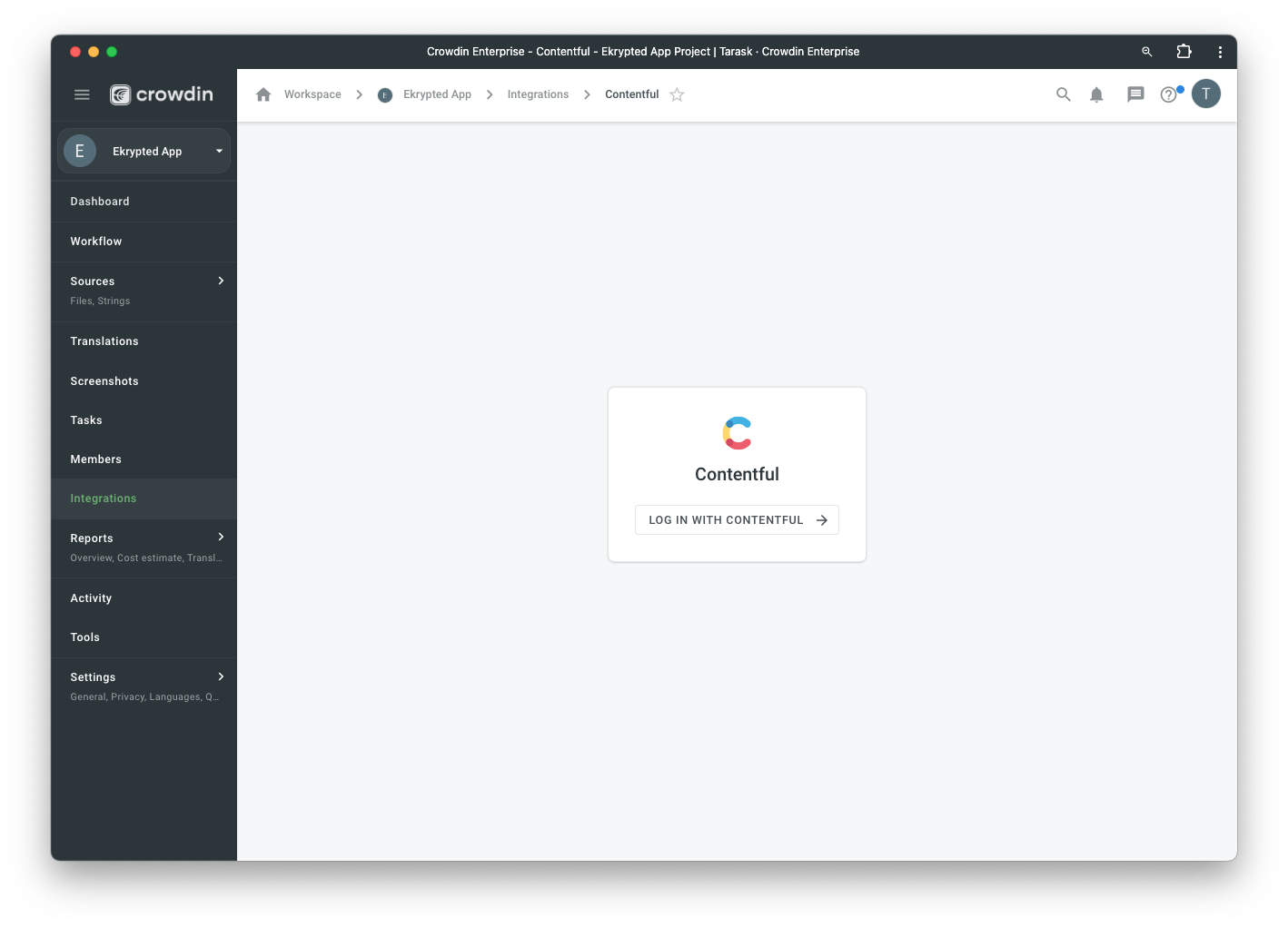
After installing the application, you will find it in your project *Integrations* section.
Follow the instructions on the screen to connect your Contentful account.
## Manual synchronization
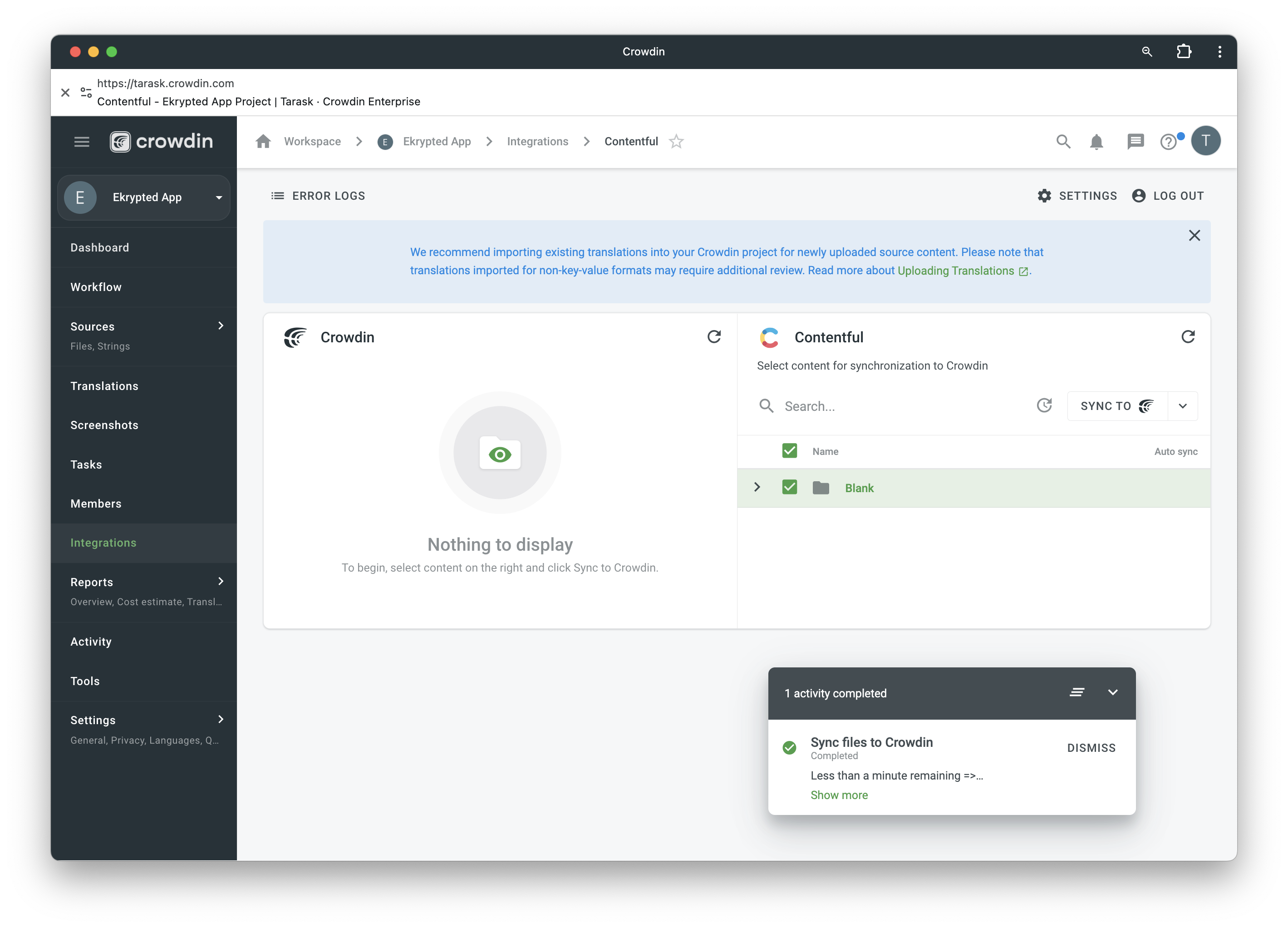
To import content for translation from Contentful, follow these steps:
1. Open the Contentful integration.
2. In the Contentful section (right panel), select the files that should be translated.
3. Click Sync.
To export translations to Contentful, follow these steps:
1. Open the Contentful integration.
2. In the left section, select the files that will be synced to Contentful.
3. Click Sync to Contentful.
## Setting Up Localization in Contentful
You need to enable localization for each individual field in Contentful.
## Auto synchronization
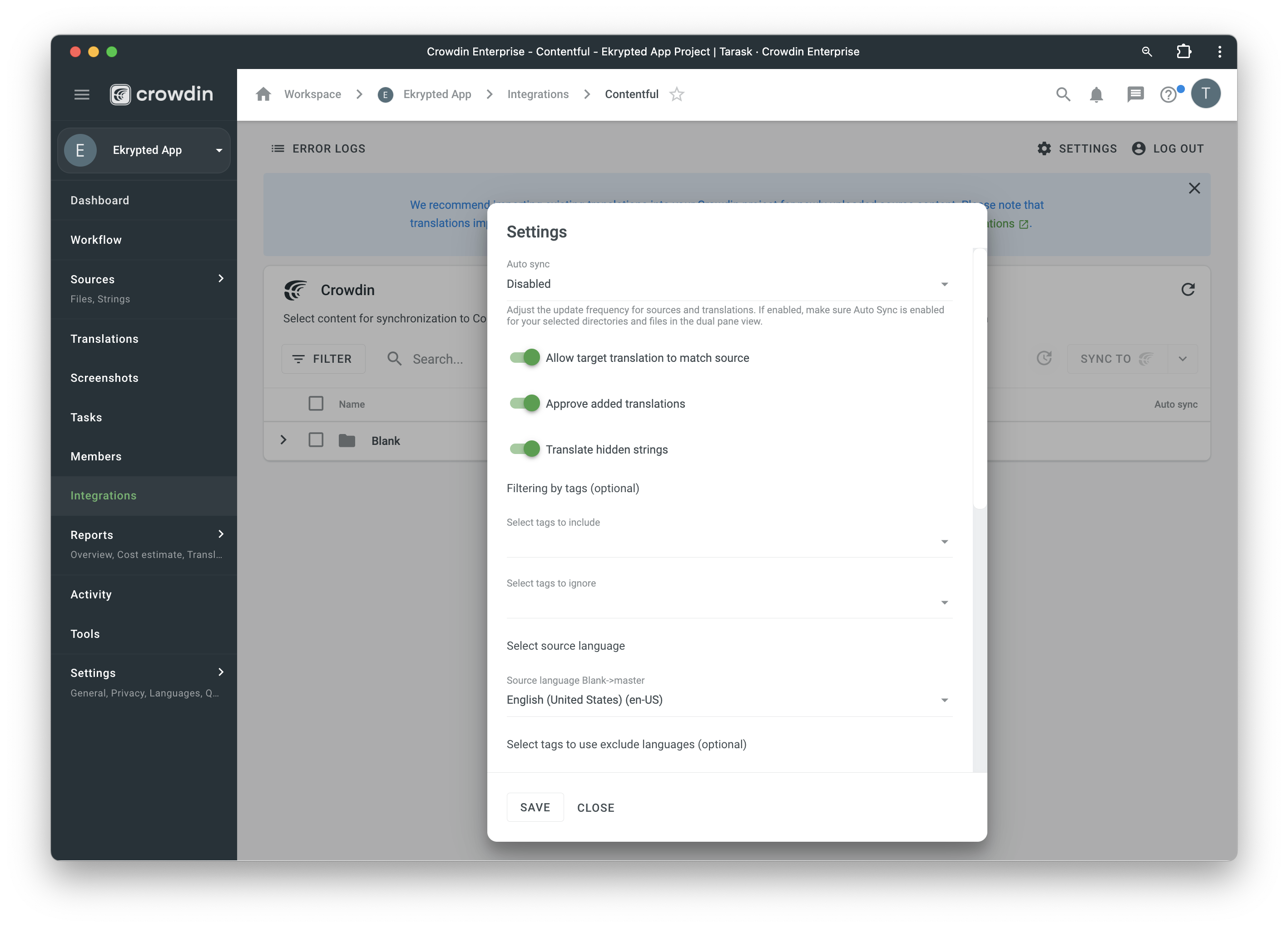
Configure the auto synchronization in Settings:
- You can import existing translations.
- Enable auto-sync for selected entry types from Contentful to Crowdin.
- Enable auto-sync translations for selected entry types from Crowdin to Contentful.
## Native Contentful Localization App
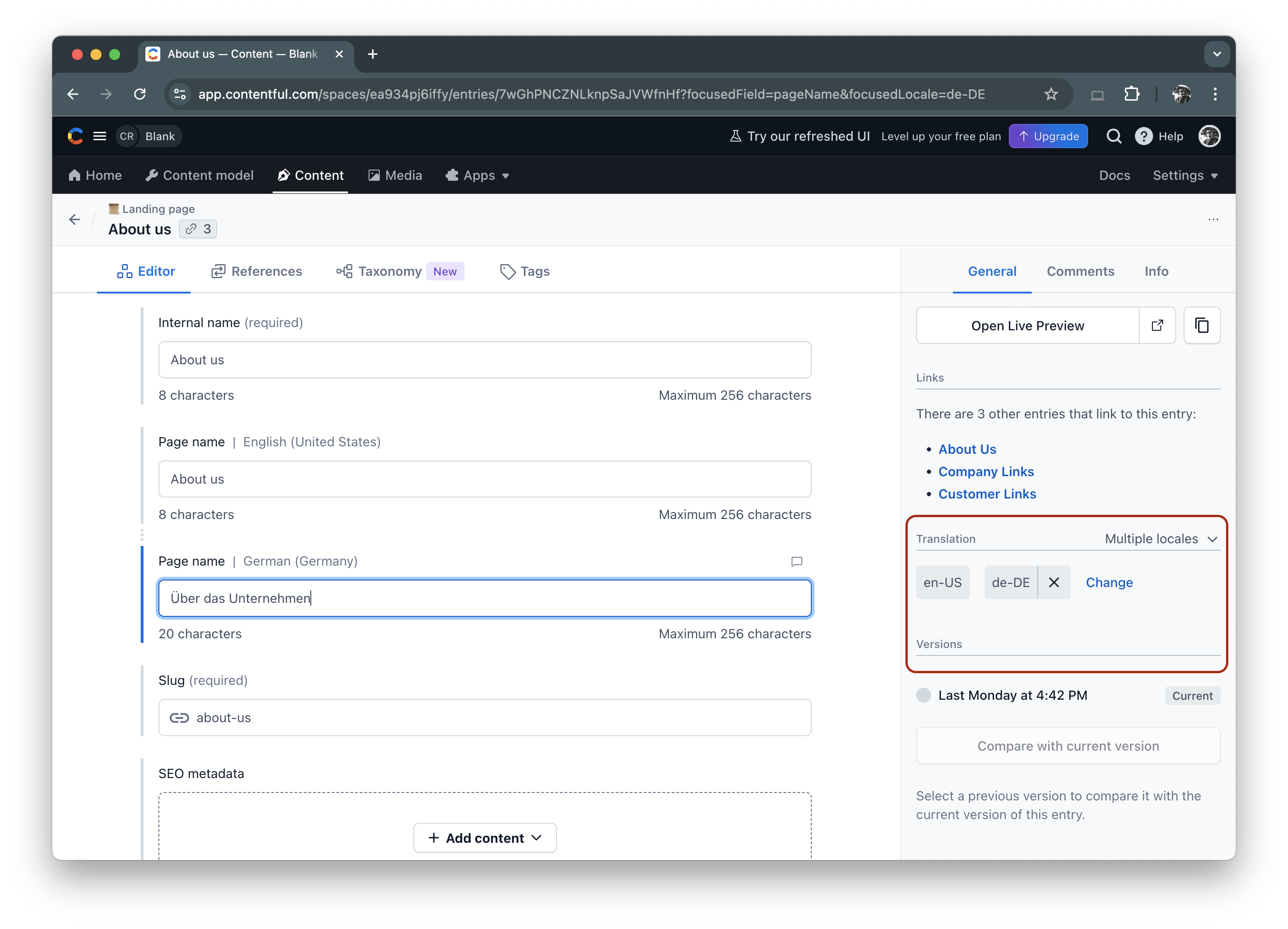
Crowdin has a native Contentful app that would allow you to see real-time translation progress in the right panel of your editor while editing Contentful entries. It will also provide a direct link to quickly order translations for your entries via Crowdin.
[](https://app.contentful.com/deeplink?link=apps&id=6ZBUT0ZhkMRAZ7C1KNtbBk)
 ](https://app.contentful.com/deeplink?link=apps&id=6ZBUT0ZhkMRAZ7C1KNtbBk)

](https://app.contentful.com/deeplink?link=apps&id=6ZBUT0ZhkMRAZ7C1KNtbBk)
