# Trello
> Crowdin + Trello integration via Zapier
URL: https://store.crowdin.com/trello
Identifier: trello
Category: Task Management
Type: Guide
Author: Crowdin
Whenever the translator requests the context or reports mistake in the source string, create a coresponding card in Trello.
Translate other Crowdin project events into Trello cards to reduce the amount of manual work and speedup processes.
### Suggested Zaps
- Context request in Crowdin ► New Trello card.
- Mistake in the source string in Crowdin ► New Trello card.
- Project language is ready for deployment ► New Trello card.
- New comment in Trello ► Send reply to the translator via Crowdin.
### Suggested Zaps
### How do I connect Crowdin to Zapier?
- Log in to your [Zapier account](https://zapier.com/sign-up) or create a new account.
- Navigate to "My Apps" from the top menu bar.
- Now click on "Connect a new account..." and search for "Crowdin"
- Use your credentials to connect your Crowdin account to Zapier.
- Once that's done you can start creating an automation!
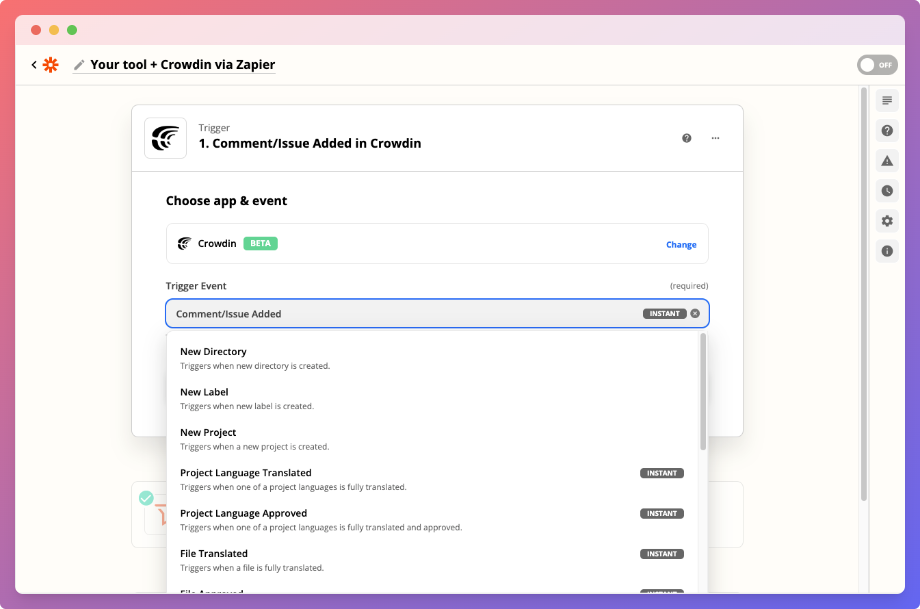
- Use a pre-made Zap or create your own with the Zap Editor. Creating a Zap requires no coding knowledge and you'll be walked step-by-step through the setup.
- Need inspiration? See everything that's possible with [Crowdin and Zapier](https://zapier.com/apps/crowdin/integrations).
- If you have any additional questions, you can reach out to contact@zapier.com.
## Resources
- [Guide](https://zapier.com/apps/crowdin/integrations)