Claude AI Translations with Crowdin

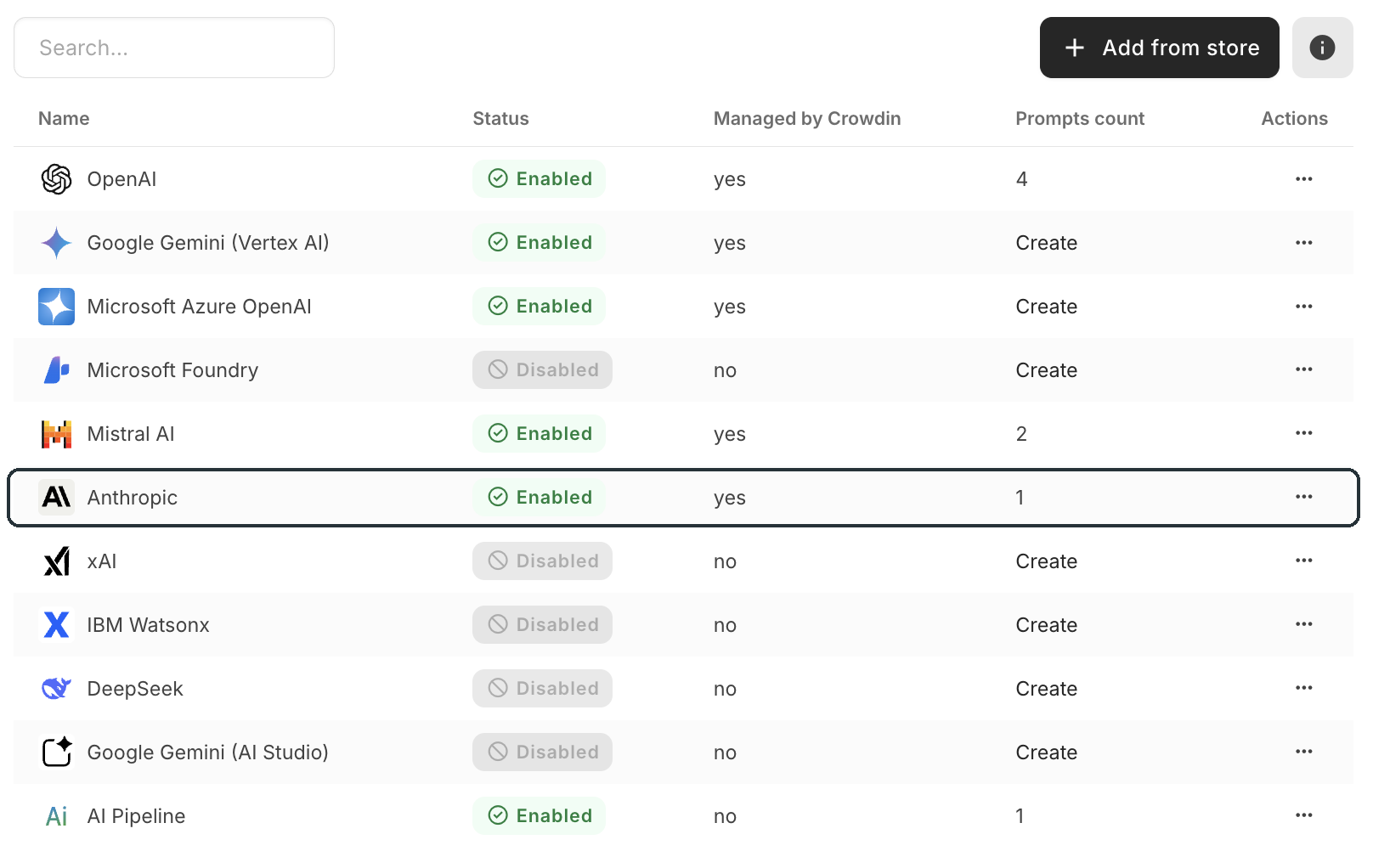
Claude can play two roles in Crowdin. It translates your content with your glossary, translation memory and style guide in view, and it's the model behind Crowdin Copilot, the AI assistant that works inside your projects. Anthropic is a built-in provider, with nothing to install, on crowdin.com and Crowdin Enterprise.
Translation powered by Claude
- Pre-translation – new strings get a Claude translation the moment they land, shaped by your terminology and tone rules.
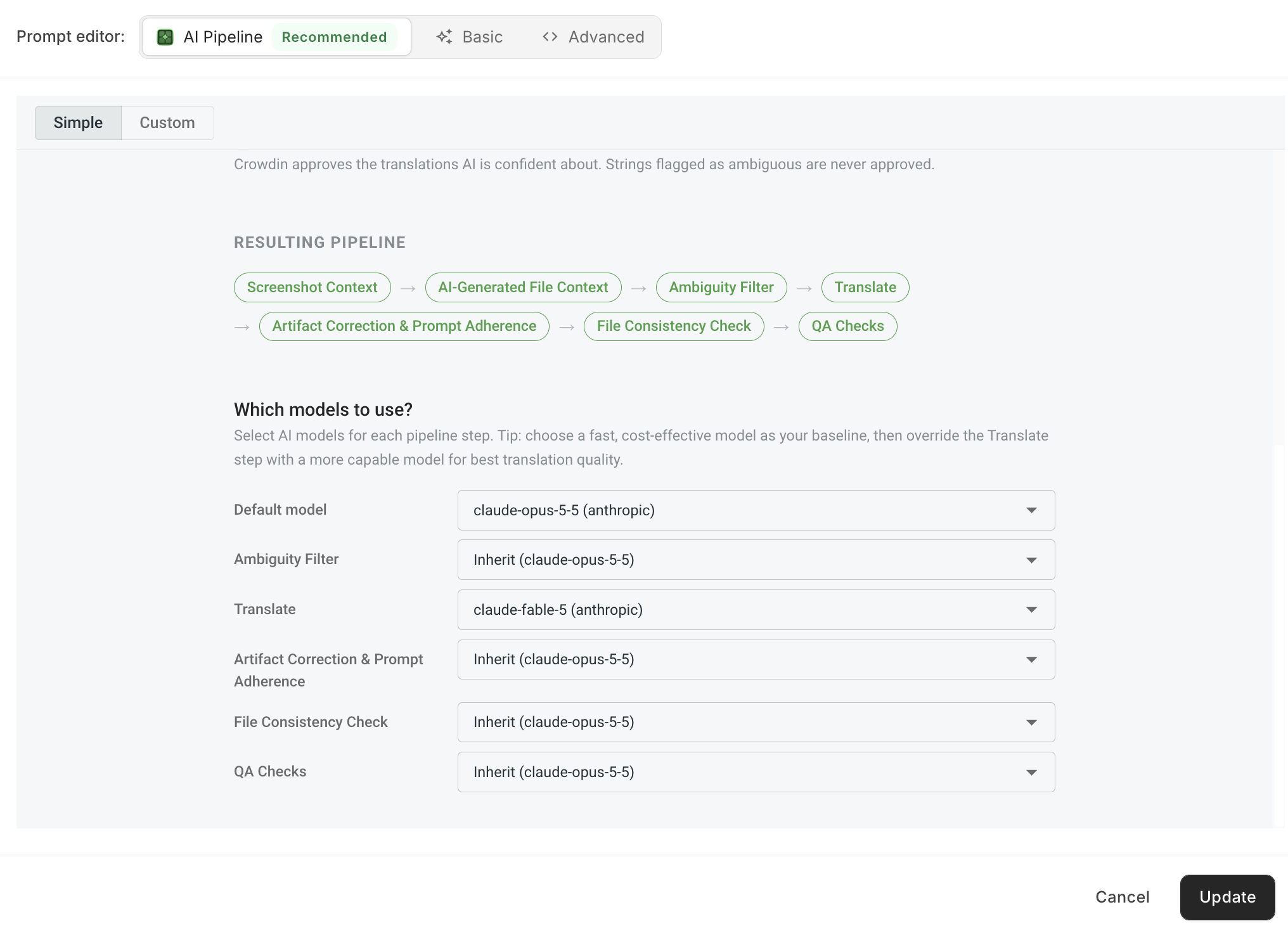
- AI Pipeline steps – assign Claude to any stage of a multi-step pipeline: context gathering, the Ambiguity Filter, translation, file consistency or QA. Each stage has its own model and instructions and double-checks the stage before it, so you can reserve a stronger Claude model for translation and use a faster one elsewhere.
- Re-translation – once your context, terminology or model choice gets better, refresh earlier AI translations. Anything a reviewer has approved is left alone.
- Translation API – translate strings and files programmatically with Claude, using your TMs, glossaries and style guides, without creating a project.
Crowdin Copilot, powered by Claude
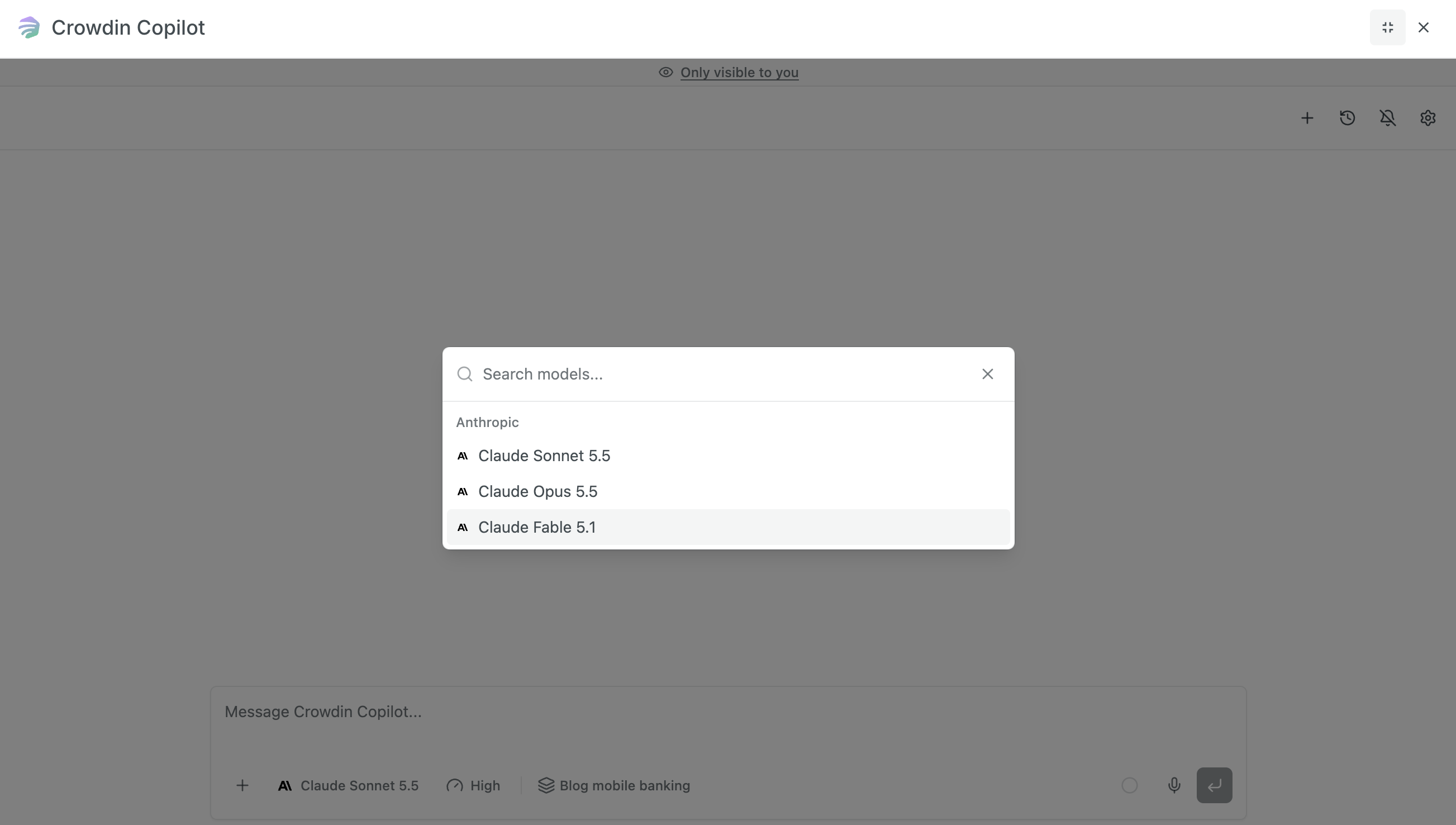
Crowdin Copilot runs on Claude. It sits inside Crowdin and already knows which project, file or string you have open, so you can ask about progress, find strings across projects, create tasks or start auto-translation without leaving the page. Describe the AI Pipeline you need and Copilot builds it for your project; describe a routine you repeat and it turns it into a Crowdin app.
To power Copilot, connect your own Anthropic API key, use Microsoft Foundry if your Claude deployments live in Azure, or use Crowdin AI with Crowdin Credits. Learn more about Crowdin Copilot
Connecting Claude
- Managed by Crowdin – start with Claude right away, no Anthropic account needed. Usage is covered by Crowdin Credits.
- Your Anthropic API key – billing stays between you and Anthropic, and you decide how usage is spent and limited.
Get started
Add Anthropic in your Crowdin AI settings, choose a Claude model for pre-translation or an AI Pipeline step, and open Copilot from the top bar on any page. Setup details are in the Crowdin AI guide.
Screenshots


Crowdin is a platform that helps you manage and translate content into different languages. Integrate Crowdin with your repo, CMS, or other systems. Source content is always up to date for your translators, and translated content is returned automatically.
Learn More- —Crowdin Enterprise
- —crowdin.com
Released on Jul 24, 2024
Updated on Nov 4, 2026
Published by Crowdin
Identifier:anthropic