
Crowdin CLI is a command line tool that allows you to manage and synchronize localization resources with your Crowdin project.
Crowdin Console Client (CLI)

Crowdin CLI is a command line tool that allows you to manage and synchronize localization resources with your Crowdin project:
- Automate the process of updating your source files in your Crowdin project
- Download translations from Crowdin and automatically save them in the correct locations
- Upload all your existing translations to Crowdin in minutes
This is cross-platform and it runs in a terminal on Linux based and macOS operating systems or in Command Prompt on Windows. It’s also open-source and its source code available at GitHub.
CLI 5.0 is a complete rewrite in TypeScript, powered by Bun: instant startup and a single self-contained binary for macOS, Linux, and Windows - no Java required. Same commands, crowdin.yml, and exit codes, plus JSON and TOON output for scripts and AI agents.
npm install -g @crowdin/cliFeatures
- Upload source files and existing translations to a Crowdin project
- Download the latest translations from Crowdin to the specified place
- Multithreading for source and translation files upload
- Show translation and proofreading progress for a project
- Manage source strings in a Crowdin project
- Manage glossaries and translation memories
- Manage tasks in a Crowdin project
- Manage source files and branches in the current project
- Run Pre-Translation
- Bash/Zsh command completion
- Process indicators, loading states, emojis
- HTTP Proxy support including authorization
- Interactive generation of a configuration file
- and more.
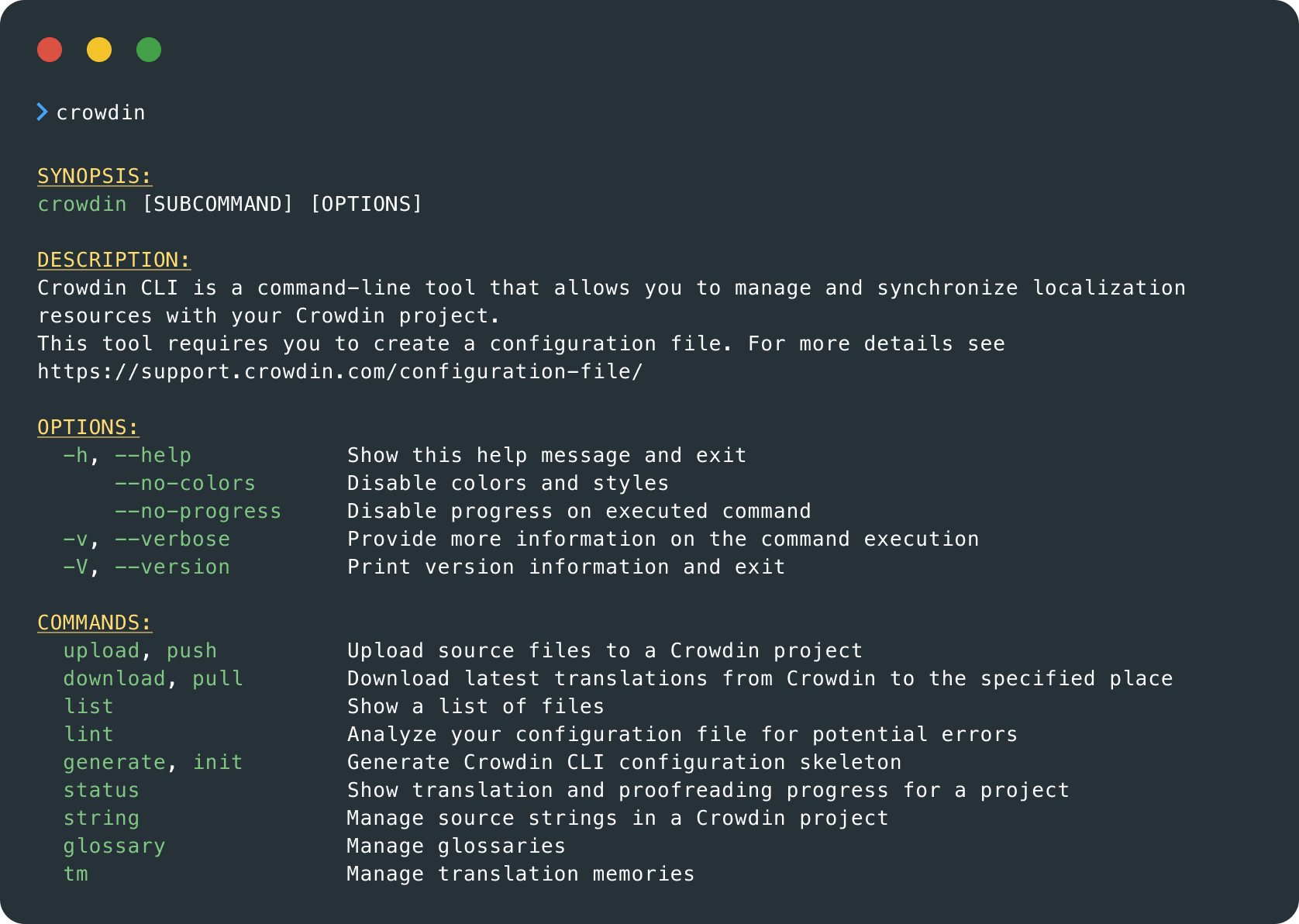
Screenshot
Getting started with CLI


Crowdin is a platform that helps you manage and translate content into different languages. Integrate Crowdin with your repo, CMS, or other systems. Source content is always up to date for your translators, and translated content is returned automatically.
Learn More- —Crowdin Enterprise
- —crowdin.com
Released on Jan 12, 2021
Updated on Aug 27, 2026
Published by Crowdin
Identifier:cli