
Requires Crowdin account
Featurebase localization with Crowdin

Translate your Featurebase content with ease. Setup integration once, define your localization workflow and spend less time managing translations.
Featurebase is a platform for working with user feedback: collecting and prioritizing feature requests, a public roadmap, a changelog of updates, and AI-powered customer support. In plain terms, it's a place where users submit ideas and complaints, vote on them, and the product team sees what people actually need.
Integrating Featurebase with Crowdin lets you localize this content - so your roadmap, update announcements, and help materials are available to users in multiple languages.
Features at a glance
- Translate help center articles
- Manual content synchronization before and after translation.
- Auto-sync of source content and translations.
- WYSIWYG file preview for translators.
- Quick sync and translation of even minor content updates, like a new sentence or a changed word.
Setting up the Featurebase connector
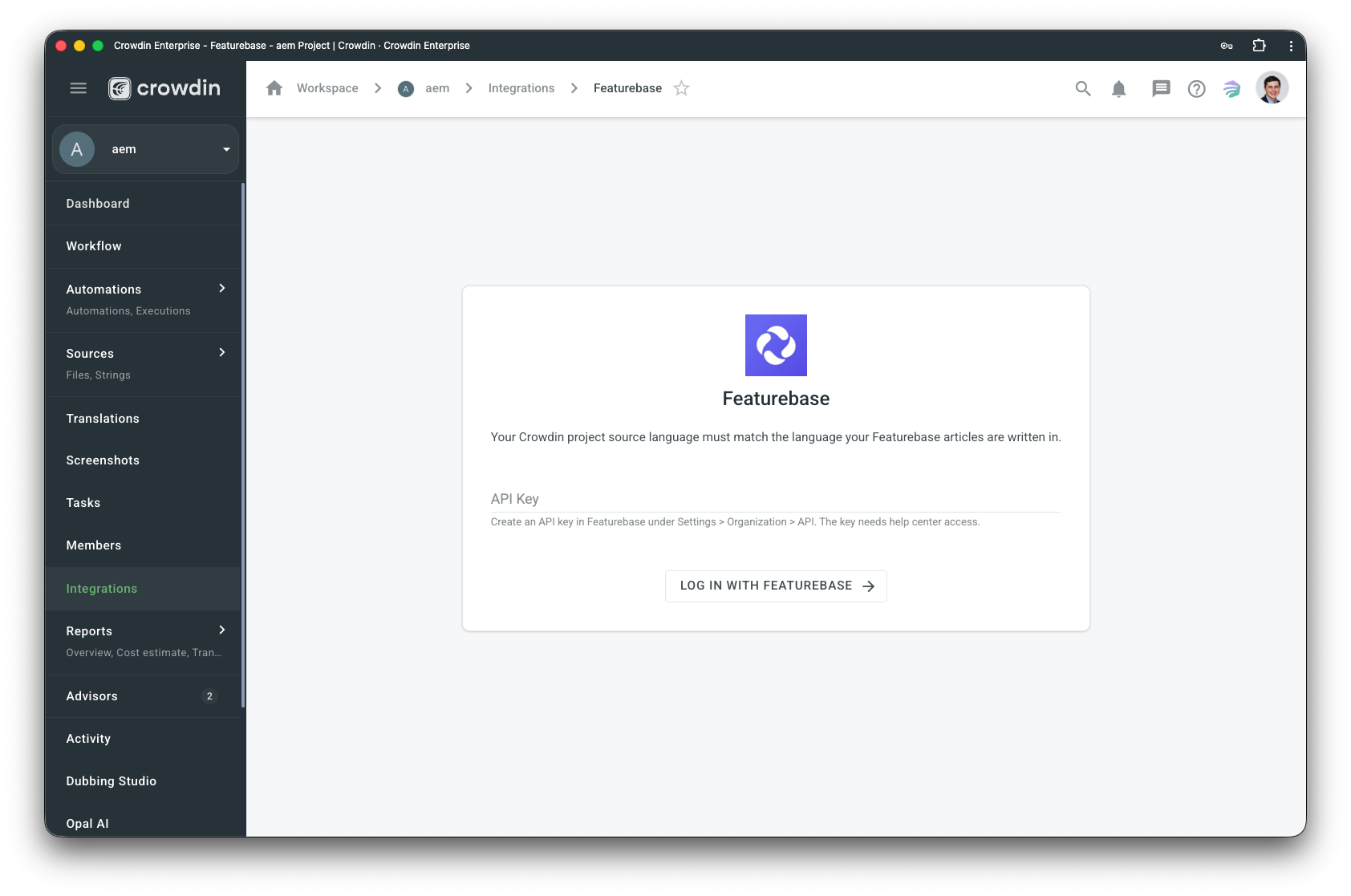
After installing the application, you will find it in your project Integrations section.
Follow the instructions on the screen to connect your Featurebase account.
Manual synchronization
To import content for translation from Featurebase, follow these steps:
- Open the Featurebase integration.
- In the Featurebase section (right panel), select the files that should be translated.
- Click Sync.
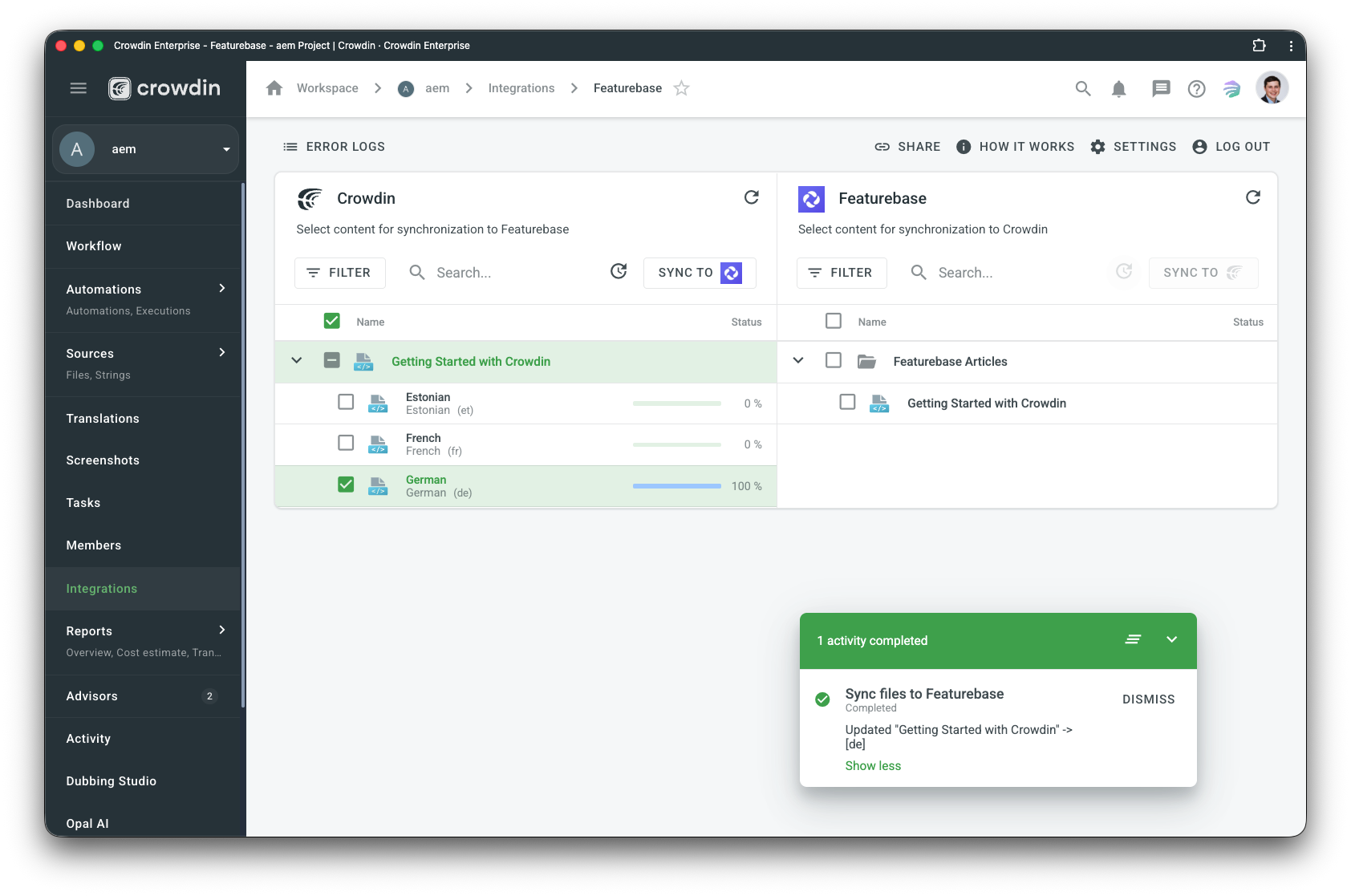
To export translations to Featurebase, follow these steps:
- Open the Featurebase integration.
- In the left section, select the files that will be synced to Featurebase.
- Click Sync to Featurebase.
Auto content synchronization
To automatically import content for translation from Featurebase choose files and click Scheduled sync in the right panel in the Featurebase integration. The file you chose will be pushed once at a scheduled time (by default, it is done once a day). The same button is used to export translated files from Crowdin to Featurebase (in the left panel). You may disable this by clicking Disable Sync.


Crowdin is a platform that helps you manage and translate content into different languages. Integrate Crowdin with your repo, CMS, or other systems. Source content is always up to date for your translators, and translated content is returned automatically.
Learn More- —Crowdin Enterprise
- —crowdin.com
Released on Jun 22, 2026
Updated on Jun 22, 2026
Published by Awesome Crowdin
Identifier:featurebase