AutoML models can learn on your projects and suggest machine translations that are most relevant in your case and use project-specific terminology.
Google AutoML Translation

By default, machine translations are enabled for each project, but it is required to configure the translation engines before the project members will be able to use them. In case, you want to disable this option for specific projects, clear Show machine translation suggestions in the project settings.
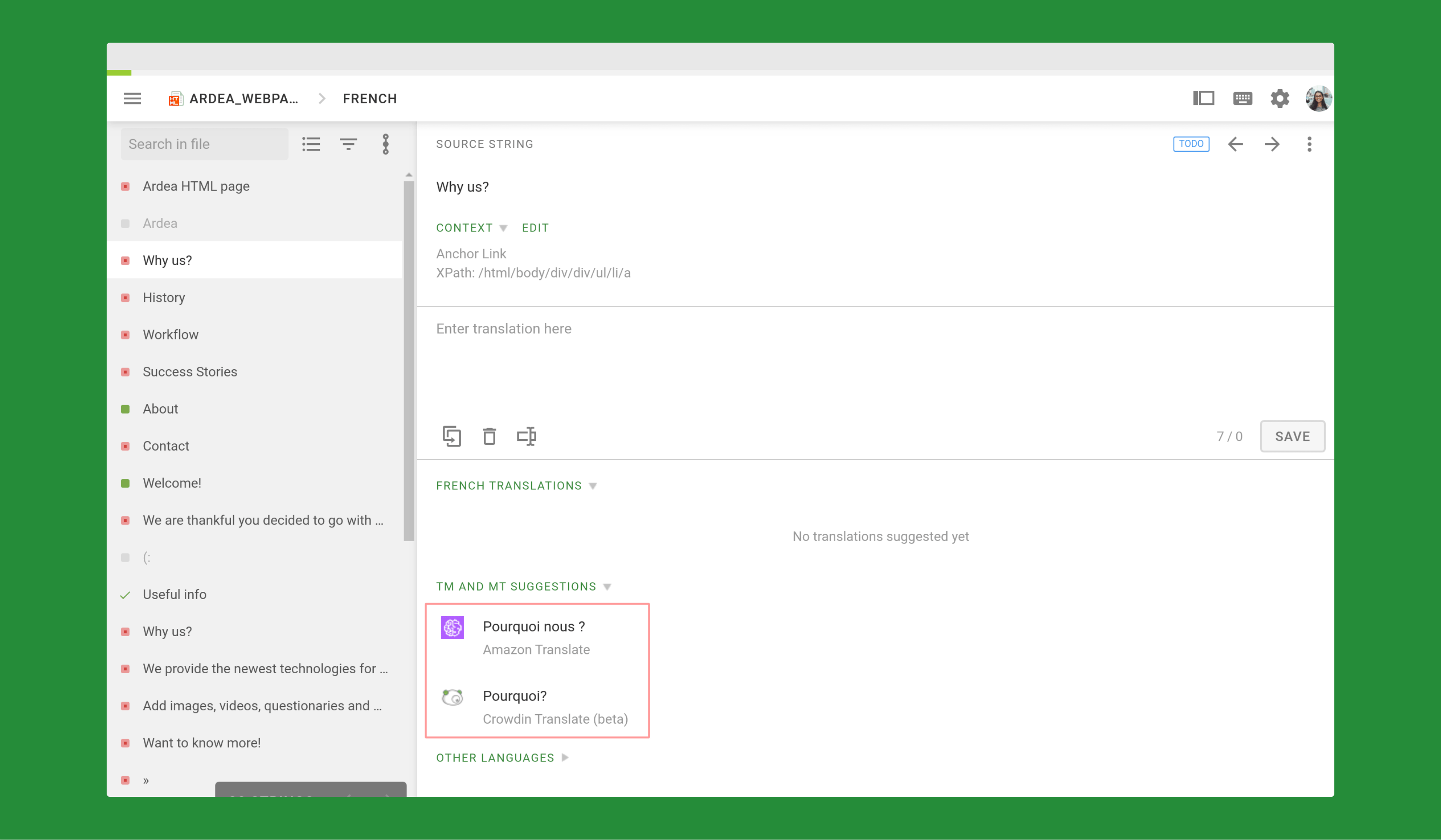
In order to configure the machine translation engines, follow these steps:
- Go to Resources in the menu bar.
- Select Machine Translation.
- Fill in the credentials of the preferred translation engine.
- Click Update.


Crowdin is a platform that helps you manage and translate content into different languages. Integrate Crowdin with your repo, CMS, or other systems. Source content is always up to date for your translators, and translated content is returned automatically.
Learn More- —Crowdin Enterprise
- —crowdin.com
Released on Mar 1, 2021
Updated on Dec 15, 2022
Published by Crowdin
Identifier:google-automl-translation