
Requires Crowdin account
Kontent.ai localization with Crowdin

Translate your Kontent.ai content with ease. Setup integration once, define your localization workflow and spend less time managing translations.
Kontent.ai is the modular content platform that enables marketers and developers to plan, create, and deliver experiences that look and feel great on any channel.
Features at a glance
- Content translation.
- Manual content synchronization before and after translation.
- Auto-sync of source content and translations.
- WYSIWYG file preview for translators.
- Quick sync and translation of even minor content updates, like a new sentence or a changed word.
Kontent.ai translation connector overview
Setting up the Kontent.ai connector
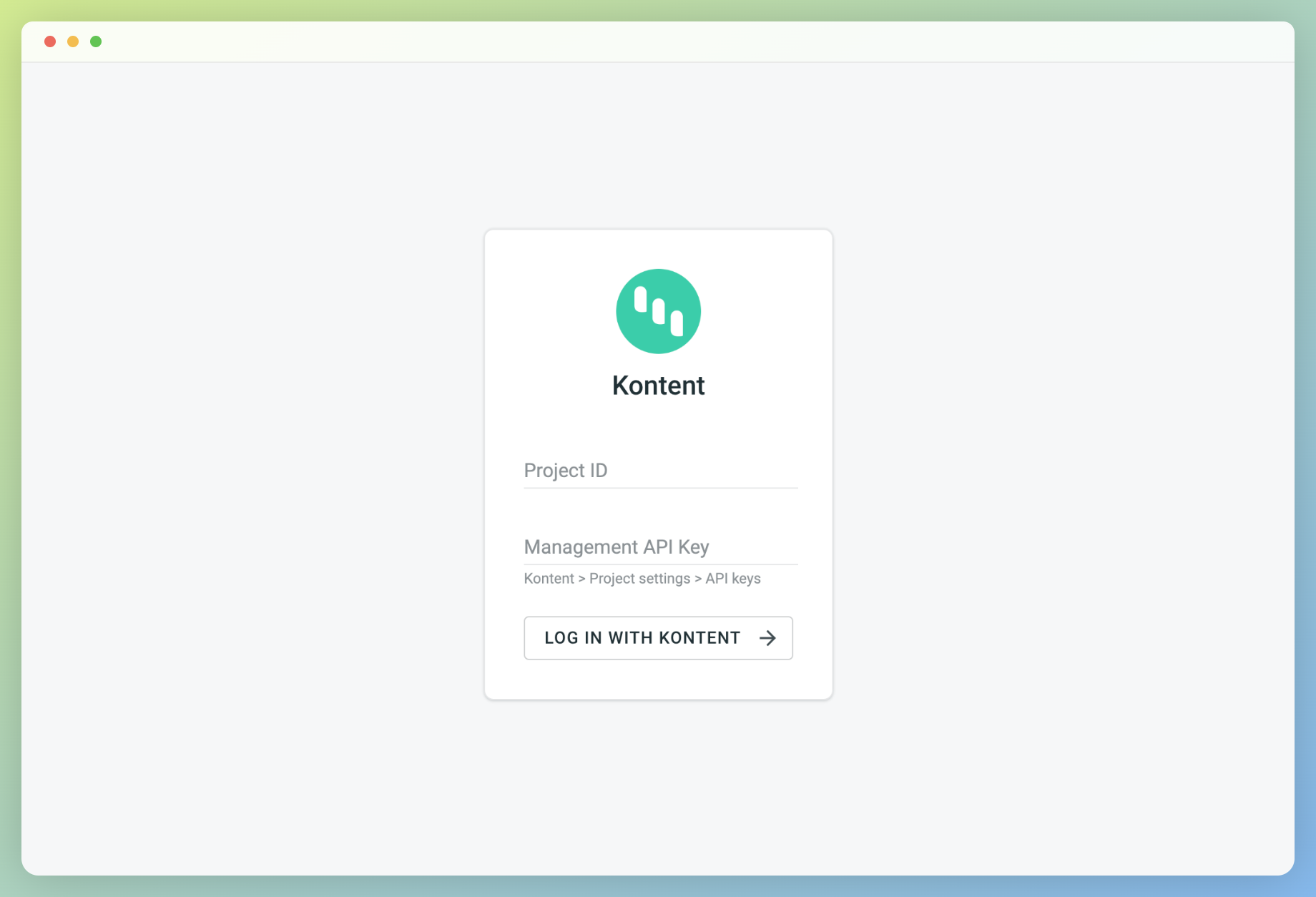
After installing the application, you will find it in your project Integrations section.
Follow the instructions on the screen to connect your Kontent.ai account.
Manual synchronization
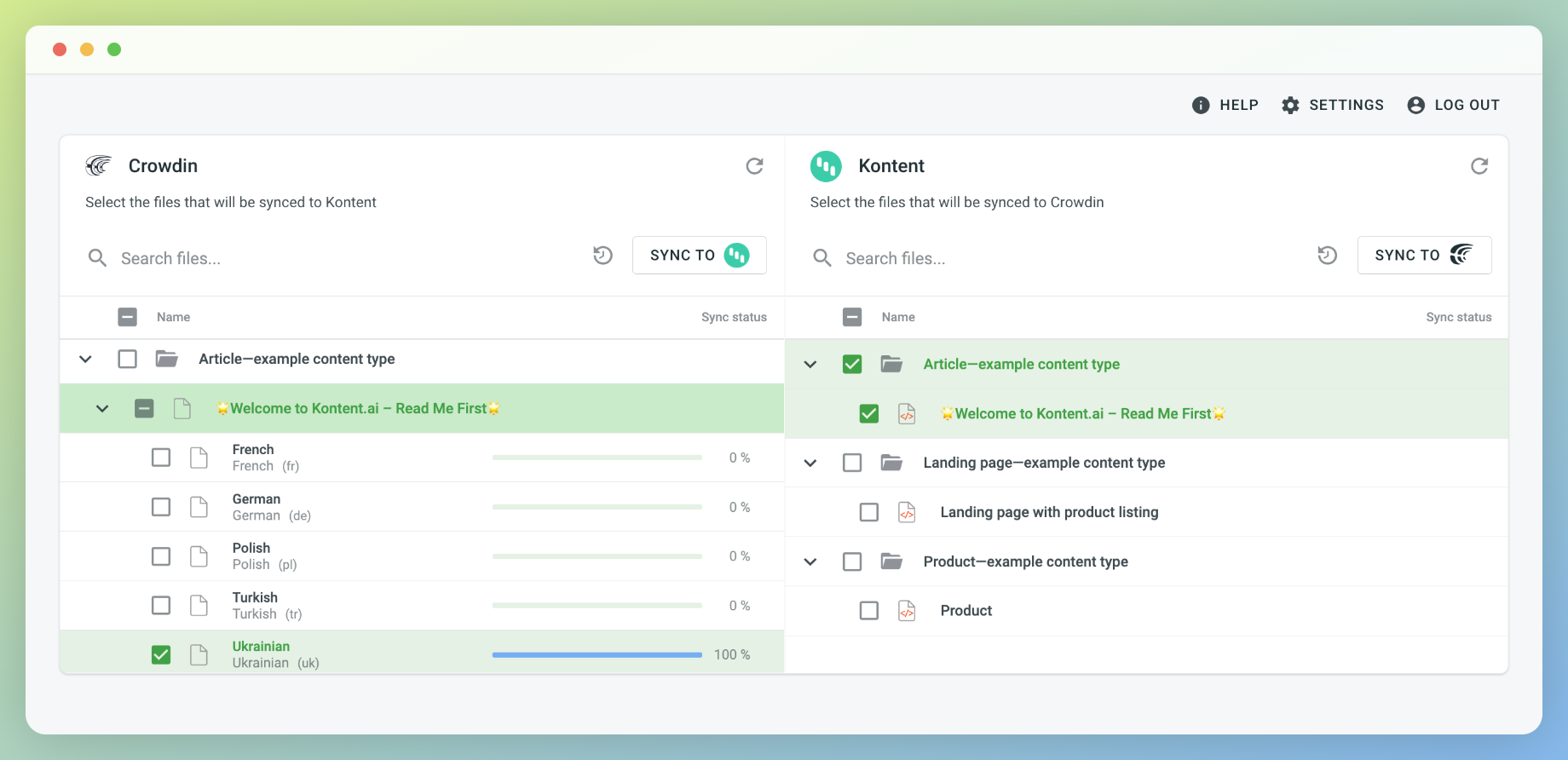
To import content for translation from Kontent.ai, follow these steps:
- Open the Kontent.ai integration.
- In the Kontent.ai section (right panel), select the files that should be translated.
- Click Sync.
To export translations to Kontent.ai, follow these steps:
- Open the Kontent.ai integration.
- In the left section, select the files that will be synced to Kontent.ai.
- Click Sync to Kontent.ai.
Auto content synchronization
To automatically import content for translation from Kontent.ai choose files and click Scheduled sync in the right panel in the Kontent.ai integration. The file you chose will be pushed once at a scheduled time (by default, it is done once a day). The same button is used to export translated files from Crowdin to Kontent.ai (in the left panel). You may disable this by clicking Disable Sync.
Subscription
The free trial is 14 or 30 days depending on the subscription plan.


Crowdin is a platform that helps you manage and translate content into different languages. Integrate Crowdin with your repo, CMS, or other systems. Source content is always up to date for your translators, and translated content is returned automatically.
Learn More- —Crowdin Enterprise
- —crowdin.com
Released on Feb 8, 2021
Updated on Jul 14, 2025
Published by Crowdin
Identifier:kontent